WebP to PNG converter

Saved an image and got a .webp you can’t open or upload? Drop it here and get a lossless PNG that works everywhere, right in your browser.

  • Files never leave your device
  • No sign-up
  • Free, no watermarks

Drop WebP images here

or choose files

As many files as you like · converts instantly · nothing is uploaded

How it works

3 steps. That’s the whole thing.

  1. 1

    Drop your WebP files

    Drag them in, choose them, or paste an image you copied. One file or a whole folder.

  2. 2

    Watch them convert

    Each one becomes a lossless PNG the moment it lands. No settings to fiddle with.

  3. 3

    Download

    Save each PNG on its own, or the whole batch as a single ZIP.

Why people use it

Fast, private, and nothing to figure out.

  • Lossless output

    PNG keeps every pixel of the decoded WebP. Nothing is compressed away on the way back.

  • Keeps transparency

    Transparent backgrounds in your WebP stay transparent in the PNG.

  • Opens anywhere

    PNG works in every editor, document, app and upload form, old or new.

  • Converts as you drop

    No upload bar, no queue on someone’s server. Files convert in a blink.

  • Private by design

    Everything happens on your device. Your images are never uploaded or stored.

  • No limits, no catch

    As many files as you like, as often as you like. No account, no watermark.

Why convert WebP to PNG?

WebP is great for websites: it’s small and loads fast, which is why so many sites now serve it. But step outside the browser and it can be a pain. Some image editors, slide decks, document tools, print shops and upload forms still don’t accept .webp files.

PNG is the safe, universal choice. It’s lossless, supports transparency, and opens in practically everything, which makes it ideal for editing, designing and sharing.

Will the PNG look exactly the same?

Yes. PNG is lossless, so the converted image matches the WebP pixel for pixel, including transparency. Just know that PNG files are usually larger than WebP: that’s the trade for maximum compatibility. If file size matters more, keep the WebP, convert to a smaller JPG with the WebP to JPG converter, or go the other way with the PNG to WebP converter.

Animated WebP files

PNG is a still-image format, so an animated WebP becomes a PNG of its first frame. For everything else, from photos to icons to screenshots, the conversion is one-to-one.
FAQ

Questions, answered

Is this WebP to PNG converter free?

Yes. It’s completely free, with no sign-up, no watermark and no limit on the number of files.

Are my WebP files uploaded anywhere?

No. Your browser decodes the WebP and saves it as PNG on your own device. Nothing is sent to a server.

Does converting WebP to PNG lose quality?

No. PNG is lossless, so the result looks exactly like the WebP you started with.

Will the transparent background be kept?

Yes. Transparent and semi-transparent areas in the WebP stay transparent in the PNG.

Why is the PNG so much bigger?

WebP compresses images more efficiently than PNG. The PNG holds the same pixels in a more widely supported, lossless format, which takes more space.

Can I convert several WebP images at once?

Yes. Drop as many as you like and download them all together as a ZIP.

Made for designers

Turning screenshots into App Store art?

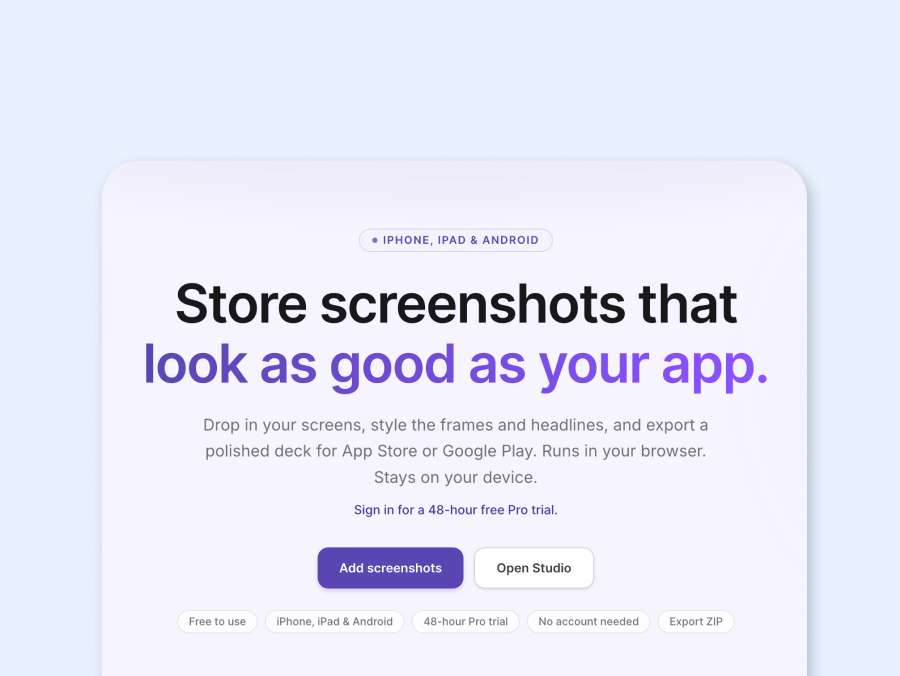
AppScreenPro styles your app screenshots with device frames and headlines, then exports every store size in one ZIP. It runs in your browser too.

Try AppScreenPro free

Keep going

More free tools

New free tools, now and then

Get a short email when a new free tool or app ships. No spam; unsubscribe in one click.